
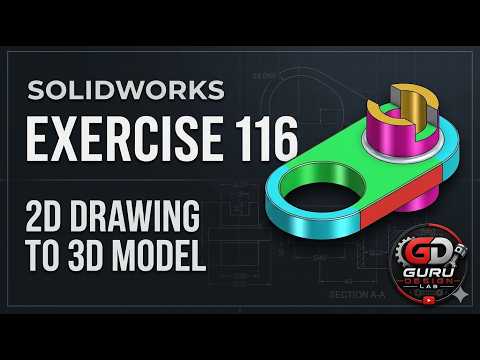
Are you looking to bridge the gap between 2D engineering concepts and 3D CAD models? Welcome to another practical CAD tutorial by Guru Design Lab! In SOLIDWORKS Exercise 116, we guide beginners through a step-by-step walkthrough of building a mechanical part from scratch.
Whether you are an aspiring mechanical engineer, a student, or a hobbyist starting your design journey, learning how to accurately interpret a SolidWorks 2D drawing and translate it into a fully parametric 3D model is a vital skill for modern manufacturing and product design.
Step 1: Analyzing the 2D Blueprint
Before jumping directly into the 3D modeling space, every successful CAD project starts with careful visual analysis. Exercise 116 challenges learners to read orthogonal views, locate centerlines, and identify key dimensional constraints. Knowing how to efficiently decipher a technical SolidWorks 2D drawing allows you to plan your feature tree correctly, ensuring you build an easily editable and stable model.
Step 2: Building the Base Feature and Adding Details
In this video tutorial, Guru demonstrates how to start your initial sketch on the optimal working plane. You will master essential SOLIDWORKS features, including:
- Extruded Boss/Base: Adding volume to your primary sketch profiles.
- Extruded Cut: Creating precise mechanical holes, slots, and internal cavities.
- Fillets and Chamfers: Smoothly finishing sharp edges for realistic, production-ready geometry.
By following along with the video, you will see firsthand how a static SolidWorks 2D drawing evolves into a detailed, solid 3D mechanical component.
Essential Tips for CAD Beginners
- Fully Define Your Sketches: Always make sure your sketch geometry is fully constrained (black lines) before extruding to avoid unwanted movement later.
- Maintain a Clean Feature Tree: Keep your feature operations logical and simple, making it easy to revise dimensions when design changes occur.
- Practice with Blueprint Exercises: The fastest way to improve your speed and confidence in CAD software is by recreating real-world mechanical parts.
Ready to Start Modeling?
Put your modeling skills to the test today! Watch the full video tutorial from Guru Design Lab to follow every mouse click and command in real time, and elevate your 3D design capabilities to the next level.


