
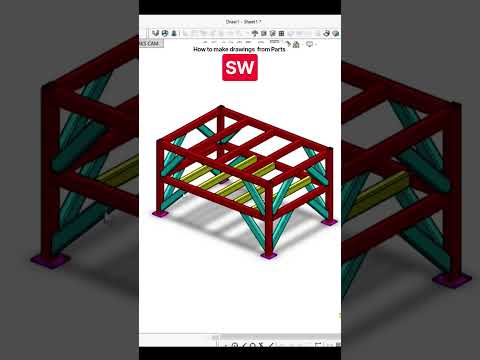
In the world of mechanical engineering and product design, creating a 3D model is only half the battle. To bring a design to life in a manufacturing environment, you must be able to communicate your vision through precise, clear, and standardized technical drawings. Whether you are a student or a professional engineer, learning how to effectively convert your 3D SolidWorks Part into a 2D production-ready drawing is a fundamental skill.
Preparing Your 3D Model
Before you even open a drawing sheet, the quality of your output depends on the quality of your input. Ensure that your SolidWorks Part is fully defined with accurate dimensions and proper material assignments. A well-organized feature manager design tree will make the transition to a drawing much smoother. Once your model is finalized and saved, you are ready to move into the drawing environment.
Setting Up the Drawing Sheet
To begin, go to "File" and select "Make Drawing from Part." SolidWorks will prompt you to choose a sheet format and size. It is crucial to select a template that matches the scale and complexity of your design. Once the sheet is open, the View Palette on the right-hand side will display all available views of your model. Simply drag and drop the "Front," "Top," or "Right" views onto the canvas. SolidWorks will automatically handle the projection of auxiliary and isometric views, providing a comprehensive look at your component.
Adding Annotations and Dimensions
A drawing is useless without accurate measurements. Use the "Smart Dimension" tool to pull dimensions directly from your SolidWorks Part. One of the greatest advantages of SolidWorks is its associativity; if you change a dimension in the drawing, it updates the 3D model, and vice versa. Beyond dimensions, remember to add essential annotations such as centerlines, surface finish symbols, and hole callouts. These details ensure that the machinist or fabricator understands every requirement of your design.
Finalizing for Production
Before exporting your work as a PDF or DXF, take a moment to fill out the Title Block. This section should include the part name, drawing number, material, and tolerance standards. A professional drawing not only showcases your technical ability but also serves as a legal document for manufacturing. By following these steps, you bridge the gap between a digital concept and a physical reality, ensuring your designs are built exactly as intended.


