
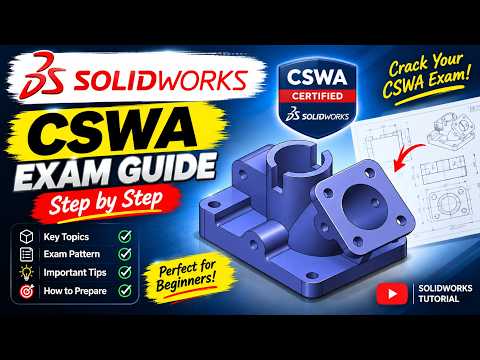
Earning your Certified SOLIDWORKS Associate (CSWA) credential is one of the best ways to kickstart your engineering or product design career. As we look ahead to 2026, staying updated with modern modeling techniques and exam strategies is more important than ever. Whether you are a student or a self-taught designer, passing the CSWA exam demonstrates your proficiency in core CAD principles and real-world problem-solving.
Focus on Core Modeling Fundamentals
The CSWA exam heavily tests your ability to translate 2D engineering drawings into fully defined 3D models. To succeed, you must master basic sketching, fully constraint geometric relations, and apply fundamental features like Boss Extrude, Cut Extrude, Revolve, and Fillets. During the practical section of the test, building an accurate SolidWorks 3D part within the given time limit requires strong spatial awareness and strict attention to detail.
When working through a complex SolidWorks 3D part, always start with a clean primary sketch on the correct reference plane. Using global variables and equations for dimensions allows you to quickly adjust parameters when follow-up exam questions ask for model modifications—saving you critical minutes on test day.
Essential Exam Tips for Candidates
- Verify Your Units and Material: Always check whether the draft drawing requires millimeters (MMGS) or inches (IPS). Assigning the correct material properties ensures your final mass calculation matches the correct answer.
- Practice Speed and Accuracy: Time management is key to passing on your first attempt. Practice modeling a variety of sample designs until you can build a standard SolidWorks 3D part accurately in under 15 to 20 minutes.
- Double-Check Mass Properties: Before submitting your response, use the Mass Properties tool. If your calculated mass does not match the choices, revisit your sketch relations and feature dimensions immediately.
Final Thoughts
Preparing for the 2026 CSWA exam does not have to be overwhelming. By mastering fundamental design features, refining your speed, and practicing with standard engineering blueprints, you will build the confidence needed to pass. Start your preparation today, sharpen your CAD skills, and take your first major step toward professional SOLIDWORKS certification!


