
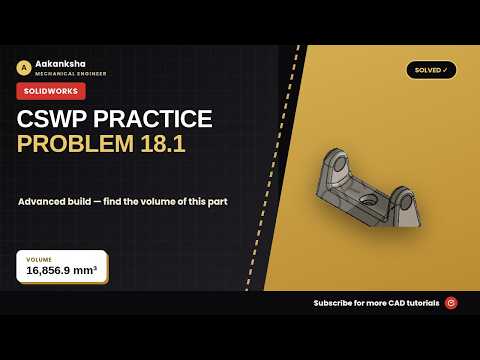
Preparing for the Certified SolidWorks Professional (CSWP) exam requires a combination of speed, precision, and a deep understanding of core parametric modeling techniques. One of the most critical skills tested during the certification is your ability to recreate complex parts from technical blueprints. In this guide, we break down how to approach practice problem 18 by carefully reading and interpreting a detailed SolidWorks Drawing.
Step-by-Step Approach to Building 3D Models
Building a solid 3D model from scratch can feel overwhelming under timed exam conditions. However, following a structured workflow guarantees accuracy and eliminates unnecessary rework:
- Analyze the Blueprint First: Before creating your initial sketch, thoroughly examine all views, section cuts, and tolerances. Understanding the main geometry prevents major errors down the line.
- Select the Right Sketch Plane: Start by translating dimensions from the SolidWorks Drawing into a clean sketch on the most logical plane (Front, Top, or Right) to establish your base feature.
- Use Global Variables and Equations: CSWP exam questions frequently require you to modify parameters in subsequent questions. Setting up global variables early makes updating your model effortless.
- Ensure Fully Defined Sketches: Apply geometric relations—such as concentricity, collinearity, and symmetry—to lock down your geometry before extruding or cutting features.
Key Tips for CSWP Exam Success
Speed comes with practice, but accuracy is what earns you the certification. Always double-check your material assignment and verify your model's mass properties against the baseline standard after completing every major feature.
To improve your speed, regularly practice working directly from a technical SolidWorks Drawing without relying on step-by-step hints. By tackling practice problems systematically, you will build the confidence and technical expertise needed to pass the CSWP exam on your very first try.


