
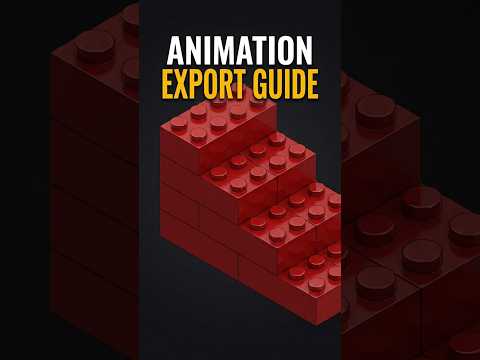
Are you looking to breathe life into your CAD models? Whether you are a hobbyist or a professional engineer, seeing your designs move in a realistic environment is incredibly rewarding. Using 3D LEGO bricks as our primary example, this guide explores how to transform a basic assembly into a professional SolidWorks 3D render that captures every detail and movement with cinematic precision.
Creating a high-quality animation starts within the Motion Study tab. To achieve the fluid, life-like motion showcased in our latest preview, you must prioritize your frame rate. Exporting at 60FPS (frames per second) ensures that the motion of the LEGO bricks looks natural and stutter-free. This level of smoothness is essential when you want your SolidWorks 3D render to stand out in a professional portfolio or a high-stakes client presentation.
Setting the Stage for Realism
Before hitting the record button, it is crucial to fine-tune your visual settings. In SolidWorks, the realism of your animation depends heavily on appearances, materials, and lighting. By applying realistic plastic textures to the LEGO bricks and adjusting the environment shadows, you set the foundation for a high-end output. A well-executed SolidWorks 3D render bridges the gap between a simple technical drawing and a lifelike digital twin.
Optimizing the Export Process
When you are ready to save your work, navigate to the "Save Animation" option within the Motion Study interface. To maintain the highest quality, choose a high-resolution aspect ratio, such as Full HD (1920x1080). Ensure your renderer is configured to capture the visual enhancements and reflections you have applied to the model. While the rendering process may take some time depending on your hardware, the result—a crisp, vibrant, 60FPS animation—is well worth the wait.
By following these steps, you can turn any static assembly into a captivating visual story. From the simple clicking of LEGO bricks to complex mechanical assemblies, mastering the art of the render will take your SolidWorks skills to the next level. Ready to start your next project? Dive into your Motion Study settings today and see the difference a professional render can make!


