
In the rapidly evolving landscape of modern engineering and product design, mastering computer-aided design (CAD) and 3D modeling has transitioned from a specialized skill to an indispensable core competency. Modern manufacturing standards demand unprecedented precision, parametric flexibility, and efficient digital prototyping workflows. Understanding how complex geometry interacts with manufacturing constraints allows engineers and designers to streamline production, reduce material waste, and accelerate time-to-market. This comprehensive guide explores key methodologies, technical considerations, and structural parameters that define professional 3D CAD modeling.
Integrating advanced surfacing techniques, parametric constraints, and assembly management is crucial for creating functional digital twins. Whether working on consumer electronics, mechanical assemblies, or architectural components, adopting systematic modeling practices ensures that digital representations map seamlessly to physical manufacturing processes such as additive manufacturing, CNC machining, and injection molding.
Technical Overview and Mechanical Blueprinting
At the core of high-fidelity 3D modeling lies parametric design, where geometric dimensions and relationships are governed by explicit mathematical constraints. This approach enables rapid design iteration without necessitating complete rebuilds when engineering requirements change. Essential components of robust CAD models include precise sketch constraints, optimized feature trees, and minimal reliance on unconstrained surface entities. Maintaining clean model history is critical when collaborating across cross-functional engineering teams.
Furthermore, evaluating stress concentration points through integrated Finite Element Analysis (FEA) and optimizing wall thickness for manufacturability ensures structural integrity. By carefully managing tolerancing and fit clearances within multi-body assemblies, designers eliminate costly interferences before physical prototypes are ever produced.
- Parametric Constraint Management: Ensures dynamic updates across associated parts and technical drawings, maintaining design intent throughout iterations.
- Optimized Feature Tree Architecture: Organizes sketches and operations logically, preventing broken dependencies and simplifying collaborative design edits.
- DFM (Design for Manufacturing) Standards: Integrates realistic draft angles, fillet radii, and uniform wall thickness suitable for CNC machining and molding.
- Seamless Assembly Mating: Utilizes kinematic constraints to simulate real-world motion, mechanical interferences, and dynamic tolerance stack-ups.
Practical Applications and Industry Integration
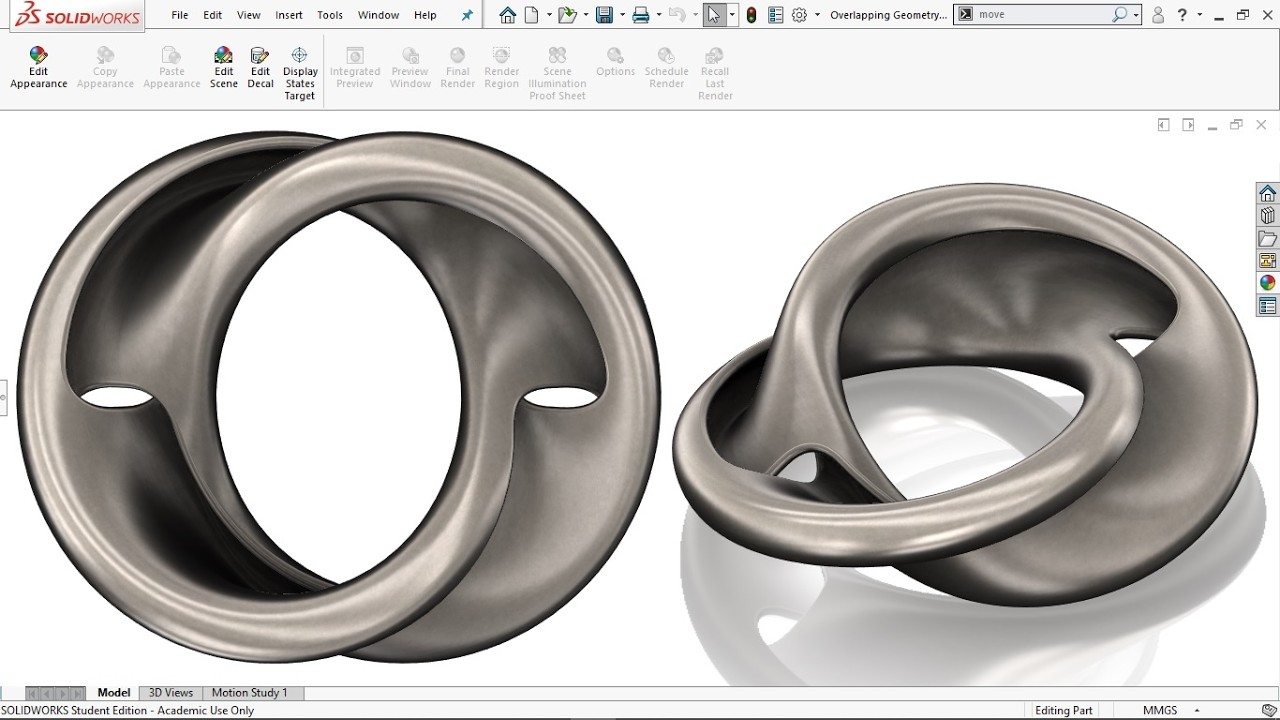
The techniques demonstrated in this visual walkthrough translate directly to various high-impact industries, including automotive engineering, aerospace development, medical device prototyping, and consumer technology. By bridging the gap between theoretical geometry and practical manufacturing, digital CAD workflows enable rapid iterative testing using 3D printing before committing to expensive production tooling.
Additionally, modern cloud-based CAD platforms facilitate real-time collaboration between remote teams, allowing structural engineers, industrial designers, and project managers to co-design in unified digital environments. Adopting these streamlined CAD standards ultimately enhances design accuracy, reduces physical prototyping costs, and elevates overall product performance.


