
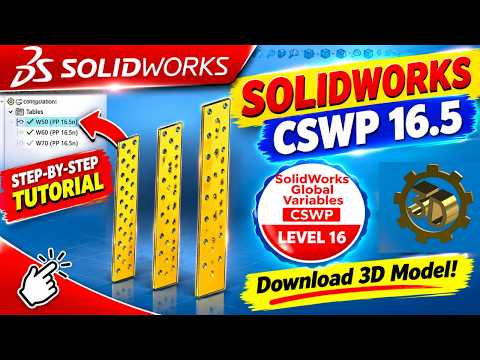
Earning your CSWP (Certified SOLIDWORKS Professional) credential is a major milestone for any CAD designer or engineer. It proves that you possess advanced skills and can handle complex modeling challenges under timed pressure. However, many candidates make avoidable errors during the exam that cost them valuable points.
If you are preparing for your SolidWorks CSWP certification, mastering key techniques beforehand is essential to ensure you pass on your first attempt. Here is how you can streamline your workflow and avoid messing up your exam.
Focus on Parametric Design and Equations
One of the biggest hurdles during the CSWP exam is managing design changes efficiently. The test heavily evaluates your ability to modify existing models using global variables, equations, and linked dimensions.
When starting a model, always set up your global variables correctly right from the beginning. If your sketch relations or initial dimensions are flawed, updating parameters later will cause your model to fail or produce incorrect mass properties. Taking a few extra seconds to establish clean geometry will save you critical minutes during the multi-part questions.
Manage Your Time and Accuracy
Speed is crucial, but precision is what gets you certified. In typical CSWP exam segments, accuracy is everything because answers are based on the exact mass, center of mass, or volume of your 3D model.
To maximize your score: - Double-check material assignments before measuring mass properties. - Keep sketches fully defined to prevent accidental shifts in geometry. - Avoid over-complicating features; use simple, robust feature trees.
Build a Strong Foundation
Before tackling advanced CSWP practice models, ensure you have thoroughly reviewed foundational concepts. Successfully navigating SolidWorks requires strong sketch habits, a deep understanding of feature order, and familiarity with complex assemblies.
By practicing with targeted tutorial problems and analyzing where you make mistakes, you will gain the confidence needed to handle exam pressure. Don't rush through the modeling process—build clean, edit smart, and you will easily elevate your SolidWorks design skills to a professional level.


