
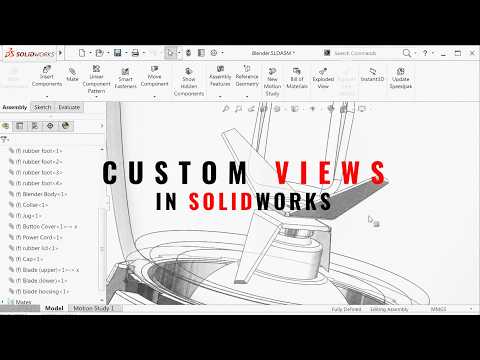
Navigating through complex assemblies in the world of 3D design can often feel like a digital maze. Whether you are presenting a project to a client or performing a deep-dive internal design review, the constant rotating, zooming, and searching for specific components can be a major time-sink. However, there is one specific setting that most users overlook which can instantly streamline your entire workflow.
The Power of Custom Views
While standard orientations like "Front," "Top," and "Isometric" are essential for basic modeling, they rarely capture the critical angles required for complex assembly evaluations. By leveraging the Custom Views feature within SolidWorks, you can save specific camera orientations, precise zoom levels, and even specific section views. This allows you to jump between critical design points with a single click, ensuring your review meetings stay on track without the awkward fumbling around the 3D space.
How to Implement the Shortcut
Setting this up is remarkably simple and requires no advanced coding or plugins. First, navigate to the "Orientation" dialog box—the easiest way is to simply hit the Spacebar on your keyboard. Once you have positioned your assembly perfectly, focusing perhaps on a hidden fastener or a complex linkage system, click the "New View" icon.
By giving these views descriptive names like "Motor Clearance" or "Internal Routing," you create a roadmap for your assembly. This setting is stored directly within the document, meaning anyone who opens the file later can follow your predefined walkthrough. This level of preparation is what separates a standard designer from a power user.
Why This Matters for Professional Design
In high-stakes engineering environments, efficiency is everything. Mastering this aspect of SolidWorks doesn’t just save seconds; it improves the clarity of your professional communication. When you can toggle instantly to a vital viewpoint, you reduce the cognitive load on your team and keep the focus on design decisions rather than software navigation.
By integrating custom views into your daily habit, you will find that assembly reviews become the fastest and most organized part of your design cycle. Stop fighting your viewport and start letting SolidWorks work for you. Documenting your design intent through views is a small habit that yields massive dividends in productivity.


