
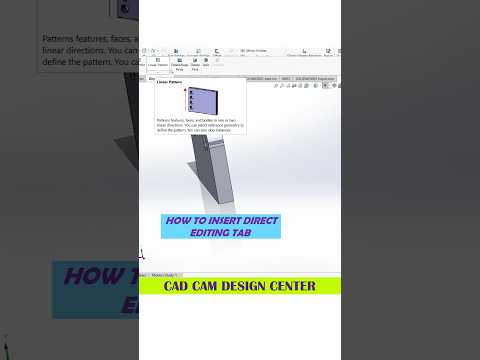
In the fast-paced world of mechanical engineering and product design, precision is everything. Creating high-quality 3D models requires more than just knowing where the buttons are; it requires a deep understanding of workflow efficiency and geometric accuracy. Among the various tools available to professionals today, SolidWorks remains the industry standard for transforming complex concepts into functional, digital prototypes.
The Importance of a Clean Workflow
One of the most critical aspects of professional modeling is maintaining a clean feature tree. When working on a project, it is easy to get caught up in the creative process and forget about organization. However, the best designers know that a structured approach—starting with robust sketches and well-defined constraints—is the key to long-term success. By mastering the fundamentals of sketching, you ensure that your SolidWorks models are not only visually impressive but also easy to modify as design requirements evolve.
Improving Your Modeling Speed
Efficiency often comes down to the small habits you build over time. Utilizing keyboard shortcuts and mouse gestures can significantly reduce the time spent navigating menus. Furthermore, understanding how to use "Reference Geometry" effectively allows for more complex part interactions without over-complicating your assembly. Whether you are designing an intricate automobile component or a simple mechanical bracket, these small adjustments to your workflow can save hours of production time.
Why Precision Matters in 3D Design
The transition from a 2D sketch to a 3D part is where the magic happens. However, even a minor error in the initial stages can lead to significant issues during the manufacturing phase. This is why it is vital to utilize the evaluation tools provided within the software. By checking for interferences and analyzing draft angles early on, you ensure that your SolidWorks project is ready for real-world application, whether that involves 3D printing or traditional machining.
Final Thoughts
Mastering 3D design is a journey of continuous learning. By focusing on both the artistic side of modeling and the technical rigors of engineering, you can create parts that are both beautiful and functional. Keep practicing, stay curious about new features, and always look for ways to optimize your design process for better, faster results.


