
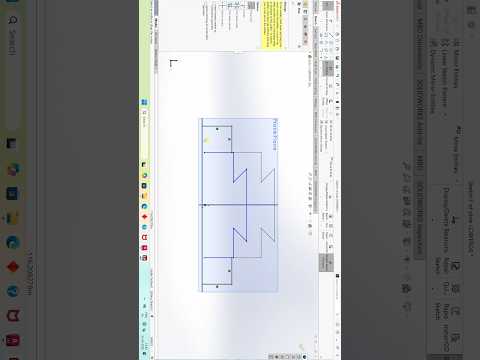
In the fast-paced world of engineering and digital design, efficiency is the key to success. Whether you are a student just starting out or a seasoned professional, mastering SolidWorks is a journey of continuous learning and refinement. Today, we are diving into some essential tips and tricks to help you streamline your 3D modeling process and create more professional, accurate designs.
The Power of Precise 3D Modeling
When it comes to parametric modeling, SolidWorks remains one of the most powerful and widely used tools in the industry. It allows designers to create intricate parts and complex assemblies with incredible precision. However, the difference between a beginner and an expert often lies in how they manage their workflow. Utilizing the right shortcuts and understanding the underlying logic of the feature tree can significantly reduce the time spent on a project.
Practical Tips for Better Design
To excel in 3D modeling, you must focus on the fundamentals while embracing advanced techniques. Here are a few ways to improve your performance:
- Keep Sketches Simple: Instead of creating one massive, complex sketch, break your design down into multiple simpler features. This makes it much easier to edit the model later without causing errors.
- Fully Define Your Sketches: Always ensure your sketches are fully defined (black lines, not blue). This prevents accidental dragging or shifting of geometry, which can ruin an entire assembly.
- Use Shortcut Bars: Customizing your "S" key shortcut bar allows you to access your most-used commands right at your mouse cursor, eliminating the need to search through ribbons and menus.
Elevating Your Design Artistry
There is an undeniable "art" to creating a perfect 3D model. Balancing functionality with aesthetic appeal—especially in industries like automotive and product design—is what separates a great designer from the rest. By applying consistent modeling techniques in SolidWorks, you can turn a basic concept into a high-performance digital masterpiece that is ready for simulation or manufacturing.
Whether you are working on a small hobby project or a major industrial component, staying curious and practicing new techniques is the best way to grow. Keep exploring the vast capabilities of CAD software, and you will soon find that no design challenge is too complex to solve.


