
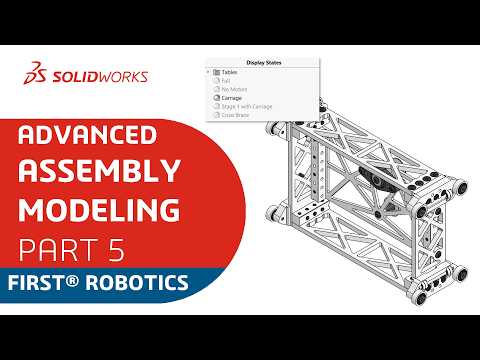
In the fast-paced world of mechanical design, clarity is everything. Whether you are building a competitive robot for an FRC team or developing industrial machinery, managing thousands of components can quickly become a logistical headache. This is where mastering SolidWorks Display States becomes a critical skill for any designer looking to boost efficiency and improve project communication.
What are Display States?
Display States are a powerful feature that allows you to control the visibility, appearance, and transparency of components within an assembly without creating multiple configurations. Unlike configurations—which change the physical properties or suppressed state of parts—Display States focus purely on the visual representation. This makes them significantly faster to toggle and keeps your file sizes manageable.
Streamline Your Workflow and Design Intent
When working on large-scale projects, showing the entire model at once can be overwhelming and taxing on your hardware. By utilizing SolidWorks Display States, you can create specific views that isolate different subsystems. For example, a "Drive Train Only" state or an "Internal Electronics" state allows your team to focus on specific areas without the visual clutter of the entire assembly.
This level of organization is essential for communicating design intent. When you share your model with stakeholders or teammates, a well-defined Display State ensures they see exactly what you want them to see, highlighting critical components while hiding or ghosting the rest of the assembly.
Perfect for FRC Teams and Collaborative Projects
For FRC teams specifically, time is the most valuable resource. Using Display States helps keep everyone on the same page during the build season. You can easily switch between a "Wiring View" to plan cable routing and a "Mechanical View" for structural analysis. It creates a cleaner workspace, reduces errors, and speeds up the design-to-production pipeline.
Conclusion
Mastering the visual tools within SolidWorks is just as important as mastering the modeling tools themselves. By integrating Display States into your assembly workflow, you move beyond simple 3D modeling and into professional-grade design management. Start organizing your assembly today and experience a faster, more intuitive way to build complex machines.


