
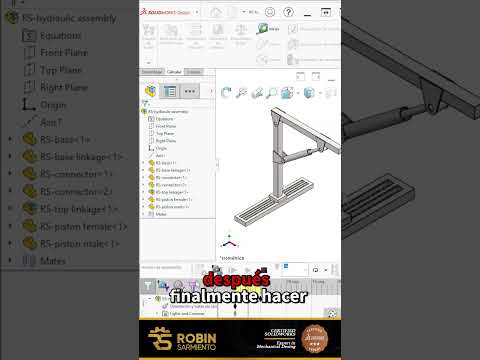
When designing complex mechanical systems, static assembly views only tell half the story. To truly understand how your mechanism operates in the real world, you need to simulate dynamic movement. This is where SolidWorks Motion Analysis becomes an indispensable tool for engineers and designers. By using linear motors, you can easily replicate real-world actuators, hydraulic pistons, or sliding components to evaluate how your parts interact during operation.
What is a Linear Motor in Assembly Simulation?
A linear motor is a feature within motion studies that drives a component along a straight path at a specified velocity, distance, or acceleration. Unlike rotational motors that turn shafts or gears, linear motors simulate pushing or pulling forces. This allows you to verify physical limits, test mechanical linkages, and check for potential clearance issues before sending parts to production.
Step-by-Step: Adding Linear Motion to Your Assembly
Setting up linear movement inside a SolidWorks assembly is straightforward once you understand the basic workflow:
- Open Motion Study: Switch to the "Motion Study" tab at the bottom of your assembly workspace.
- Select the Motor Tool: Click on the Motor icon in the Motion Manager toolbar and select "Linear Motor" as the motor type.
- Define Direction and Component: Choose the face, edge, or mate reference that defines the linear direction, along with the specific component you want to move.
- Configure Motion Parameters: Set the type of motion—such as constant speed, distance, or oscillating motion—and specify the exact numerical values for velocity or stroke length.
- Calculate and Analyze: Click "Calculate" to generate the motion animation. Observe the movement to ensure mating relationships hold up and no components intersect unexpectedly.
Why Simulate Linear Motion Before Prototyping?
Virtual simulation saves significant time and money. By analyzing motion dynamics early in the design phase, you can detect interference points, refine mating constraints, and optimize actuator specifications without building expensive physical prototypes.
By taking advantage of linear motors, you elevate your SolidWorks workflow from simple 3D modeling to comprehensive, functional engineering verification. Try implementing a linear motor in your next assembly project to ensure your designs perform flawlessly!


