
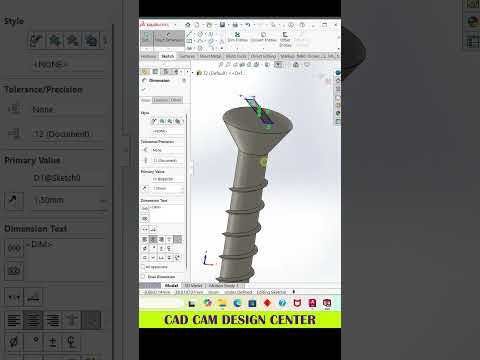
In the fast-paced world of mechanical design and engineering, efficiency is just as important as accuracy. Whether you are a student or a seasoned professional, finding new ways to streamline your workflow is key to staying competitive. Creating a high-quality 3D model requires a balance of technical knowledge and creative problem-solving. Today, we are diving into some essential strategies to help you master your SolidWorks projects.
Why Precision Matters in 3D Modeling
3D modeling isn't just about drawing shapes; it is about defining intelligent relationships between parts. When working in SolidWorks, understanding the importance of fully defined sketches is the first step toward a stable and professional model. A well-constrained sketch prevents unexpected geometry shifts when you modify dimensions later in the design process. By ensuring every line and arc is locked down with dimensions and relations, you create a robust foundation for even the most complex assemblies.
Speed Up Your Workflow with Pro Tips
One of the best ways to improve your design speed is through the clever use of shortcuts and interface customization. Instead of hunting through nested menus for a specific tool, customizing your "S" key shortcut menu or using mouse gestures can save hours of work over the course of a project.
Additionally, always remember the power of the "Rollback Bar" in the feature manager tree. This tool is invaluable for troubleshooting errors or adding new features to an earlier stage of your design without breaking the entire model. Mastering these small navigational habits allows you to focus more on the "art" of engineering and less on the software's interface.
Elevating the Quality of Your Designs
Beyond the technical constraints, the visual quality of your model speaks volumes about your professionalism. Adding appropriate fillets, chamfers, and realistic appearances can turn a basic block into a realistic component. Utilizing the built-in visualization tools within SolidWorks allows you to see how light interacts with your surfaces, giving you a better sense of the final product's aesthetic and functional quality before it ever hits the manufacturing floor.
Continuous learning and practice are the hallmarks of a great designer. By applying these fundamental tips to your daily routine, you will notice a significant improvement in both the quality and speed of your 3D models. Keep experimenting, keep refining your techniques, and watch your engineering skills reach new heights.


