
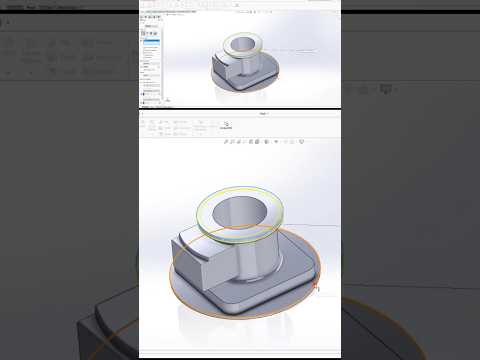
Designing a robotic arm requires a careful balance of kinematics, weight distribution, and precise mechanical engineering. Whether you are building an industrial manipulator or a compact automation project, using the right 3D modeling workflow can save you hours of troubleshooting. When it comes to 3D CAD modeling for complex mechanical systems, SolidWorks remains the industry standard for engineers and makers alike.
Here are essential tips to help you design more efficient, functional robotic arms.
1. Structure Your Assembly with Motion in Mind
A common mistake when modeling a robotic arm is treating the assembly like a static object. Because a robotic arm relies on multiple moving joints—base rotation, shoulder pitch, elbow pivot, and wrist movement—it is crucial to organize your feature tree logically.
Use sub-assemblies for distinct components like the end effector or joint gearboxes. Assign proper mates (such as concentric, coincident, and angle mates) early on, and set realistic mate limits to simulate the exact range of motion for each axis.
2. Leverage Motion Analysis and Collision Detection
Before sending your parts to a 3D printer or CNC machine, you need to verify that your arm moves without internal interference. Leveraging the built-in motion simulation tools in SolidWorks allows you to test axis limits, check clearance, and calculate motor torque requirements before sending designs to production.
Run collision detection across the full range of motion to identify areas where links might collide or bind, ensuring smooth physical operation later.
3. Optimize Weight and Route Internal Cables
Every extra gram on the upper links increases the load on the base motors. Focus on weight reduction by adding structural pocketing, ribs, or thin-wall geometry where high strength isn't critical.
Additionally, remember to account for wire pathways early in the design stage. Modeling internal channels or mounting points for cable management prevents loose wires from snagging during joint rotation.
Conclusion
Building a functional robotic system demands precision, foresight, and smart CAD habits. Mastering these techniques in SolidWorks will not only save you valuable development time but also elevate the structural integrity and performance of your mechanical designs. Apply these tips to your next project to streamline your engineering workflow from concept to prototype!


