
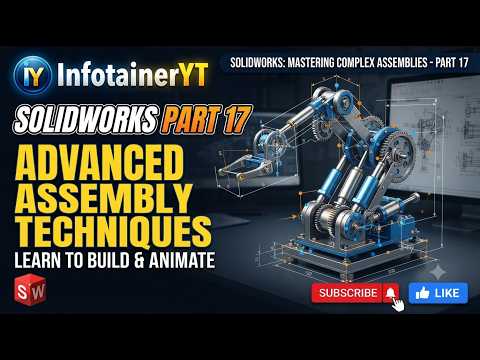
Designing complex mechanical systems requires more than just basic 3D modeling skills; it demands a deep understanding of how individual parts interact within a larger ecosystem. If you want to streamline your engineering process, mastering advanced assembly workflows in SolidWorks is the key to unlocking maximum efficiency and precision.
Whether you are building intricate machinery or simple multi-part enclosures, implementing professional assembly techniques will significantly reduce design errors and speed up your production pipeline.
Harness Dynamic Motion with Advanced Mates
Standard mates like concentric and coincident are essential for basic setups, but real-world mechanisms often require sophisticated relationships. Advanced mates allow you to simulate realistic physical behaviors directly within your virtual environment:
- Limit Mates: Define specific ranges of motion for distance or angle, preventing components from intersecting unrealistically.
- Path Mates: Constrain a specific point on a component along a 2D or 3D path, perfect for modeling actuators, track systems, or cable carriers.
- Mechanical Mates: Accurately simulate real-world hardware like gears, cams, rack-and-pinion setups, and lead screws to test mechanical functionality early.
Optimize Large Assembly Performance
As your projects expand into hundreds or thousands of components, hardware slowdowns can hinder productivity. Managing system resources effectively is critical for maintaining smooth navigation and rendering speeds.
Leveraging Lightweight Mode allows you to load only the essential geometry data into memory, drastically cutting down open and rebuild times. Furthermore, utilizing features like SpeedPak creates simplified representations of complex sub-assemblies without severing underlying mate references. This ensures high-performance editing even on standard workstations.
Automate Repetitive Tasks with Smart Components
Manual placement of fasteners and hardware eats away valuable design time. By incorporating Smart Components and Smart Fasteners, you can automatically insert standard hardware alongside their required mounting holes and clearances. Creating modular sub-assemblies further minimizes redundant work, enabling you to focus on high-level design challenges.
Take Your Modeling to the Next Level
Transitioning from standard assembly methods to pro-level techniques requires practice, but the boost in workflow speed and precision is well worth the effort. By integrating advanced mates, performance management, and smart automation, you will fundamentally transform how you execute complex 3D projects in SolidWorks.


