
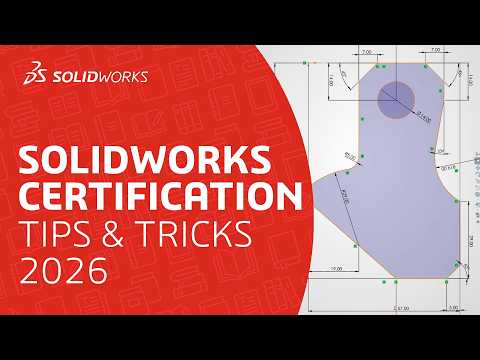
Are you looking to boost your engineering credentials with an official SOLIDWORKS certification? Whether you are aiming for the Certified SOLIDWORKS Associate (CSWA) or Professional (CSWP) exam, thorough preparation is the key to passing on your first attempt. In our recent "SOLIDWORKS Certification Tips & Tricks" webinar, industry experts shared practical strategies to help candidates navigate the exam environment efficiently and avoid costly mistakes.
Build a Strong Foundation in 2D Sketching
Every complex 3D model begins with a precise, fully defined sketch. Mastering SolidWorks 2D drafting techniques forms the absolute backbone of your exam success. Certification questions often test your ability to interpret technical drawings correctly and translate design intent into clean parametric geometry.
To maximize your efficiency during the test: - Fully Constrain Your Geometry: Always ensure your entities are fully defined using proper geometric relations and smart dimensions before applying features. - Utilize Time-Saving Shortcuts: Practice using the shortcut menu ("S" key) and mouse gestures to streamline your SolidWorks 2D sketch creation. - Double-Check Initial Dimensions: Pay close attention to feature origins and reference planes to prevent compounding errors in multi-part questions.
Optimize Your Exam Strategy and Time Management
Time pressure is one of the biggest challenges candidates face during the exam. Moving efficiently from basic SolidWorks 2D layouts to advanced feature-based models requires a structured workflow: 1. Read Prompts Thoroughly: Take a moment to review the target mass, material assignment, and coordinate system before drawing your first line. 2. Leverage Global Variables: Set up equations for key dimensions so you can modify geometry instantly when follow-up questions require design updates. 3. Verify Mass Properties Often: Evaluate mass properties after completing each feature to spot mistakes early rather than troubleshooting a finished model.
Watch the Webinar Recording
If you missed our live session, you can still catch up! Watch the full webinar recording to see step-by-step feature walk-throughs, practical exam demonstrations, and expert advice to take your CAD skills to the next level.


