
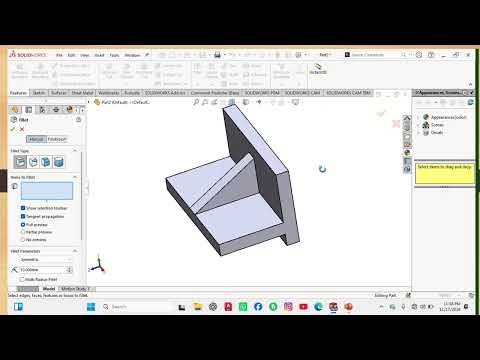
In the world of mechanical engineering and 3D design, there is a massive difference between watching a tutorial and actually building a model from scratch. If you are looking to level up your CAD game, it is time to move beyond passive learning and get your hands dirty. Our latest engineering design challenge focuses on the most fundamental building block of any professional project: the SolidWorks 2D sketch.
Why Every Pro Designer Starts with a Sketch
Many beginners make the mistake of rushing into complex 3D features like lofting or sweeping without mastering the basics. However, every sophisticated 3D assembly begins with a precise, clean, and fully defined drawing. By focusing on a dedicated SolidWorks 2D sketch assignment, you learn how to handle geometric constraints, dimensions, and relations that ensure your model remains robust and easy to edit later in the design process.
How to Tackle This Practice Assignment
This challenge is specifically structured to test your spatial awareness and technical accuracy. Instead of just following a step-by-step guide, we encourage you to interpret the technical drawing first. Here is how to approach it:
- Analyze the Geometry: Before clicking any tools, look for symmetry, midpoints, and repeating patterns.
- Establish Constraints First: Use horizontal, vertical, and tangent relations before you start adding numerical dimensions.
- Aim for "Fully Defined" Status: Your ultimate goal is to see those blue lines turn black. Achieving a fully defined SolidWorks 2D sketch is the hallmark of a disciplined and professional designer.
Essential Tips for Success
- Start from the Origin: Always anchor your sketch to the origin point to maintain total control over the model's position in 3D space.
- Keep it Simple: Avoid overcomplicating a single drawing. Sometimes, multiple simple sketches are much more effective than one cluttered one.
- Iterate and Refine: If your sketch "breaks" when you change a dimension, it is a sign that your constraints need more work.
Ready to put your skills to the test? Stop watching and start creating! Taking on these practical assignments is the fastest way to bridge the gap between being a student and becoming a professional engineer. Grab your mouse, open the software, and let’s get started!


