
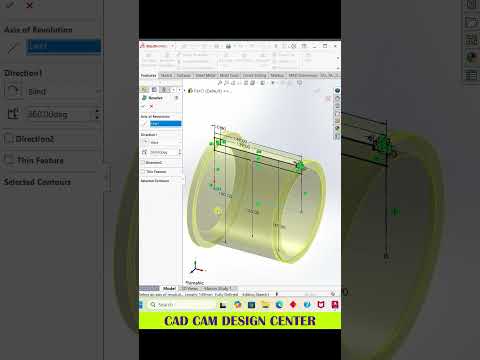
Whether you are a professional design engineer or an enthusiastic CAD designer, efficiency is the key to creating complex models in record time. While standard 2D sketching works well for basic geometry, learning how to leverage a SolidWorks 3D sketch can significantly accelerate your workflow.
In this quick guide, we will break down why 3D modeling techniques are essential for modern engineers and how you can boost your productivity in SolidWorks today.
Why You Should Use 3D Sketching
Traditional CAD modeling often requires creating multiple reference planes just to draw a single 3D path or frame. This process can clutter your feature tree and slow down your design process.
Unlike standard 2D sketching where you are confined to a single plane, creating a SolidWorks 3D sketch allows you to draw across multiple axes (X, Y, and Z) simultaneously. This capability is exceptionally useful for:
- Piping and Tubing: Route complex fluid or electrical paths without needing auxiliary planes.
- Weldment Structures: Design structural steel frames quickly and accurately.
- Freeform Surface Design: Create smooth guide curves for lofts and sweeps effortlessly.
Essential Shortcuts for Faster 3D Modeling
To get the most out of your 3D modeling sessions, speed and accuracy are everything. Here are a few vital tips and shortcuts to help you navigate the 3D space with confidence:
- The TAB Key: When drawing lines in 3D, simply press the TAB key to instantly switch the active sketch plane between the XY, YZ, and ZX directions.
- Global Axis Constraints: Use relation constraints to lock lines along the global X, Y, or Z axes. This prevents your sketch from shifting unpredictably in 3D space.
- Precise Smart Dimensioning: Apply dimensions relative to existing points or origin references to keep your model fully defined and easy to modify later.
Final Thoughts
Speeding up your CAD modeling process comes down to building smart habits and using the right tools. By integrating these shortcuts into your daily routines, mastering the SolidWorks 3D sketch environment will become second nature, allowing you to focus more on innovative engineering solutions and less on repetitive clicks.


